Creator Program
Streamers and video makers are how many players find Cinders of Chaos. This is what we offer them, what is ready and what is still to be set.
Who qualifies
Criteria set by the owner on 29 Oct 2026:
- You stream or post videos of Cinders of Chaos at least 4 hours a week.
- Your channel has at least 10 average live viewers or 500 followers.
- You do not trade accounts and you do not use RMT (selling accounts, items or coins for real money), and you follow the server Rules and the Donation Terms.
- You say clearly that donating is voluntary and that the game is free.
- The staff approves each request.
What you get
| Benefit | How it works | State |
|---|---|---|
| Creator code | Whoever picks your code pays nothing extra: their donation and coins stay the same. For 30 days, 10% of the coins of each of their donations go to you, in game, as Chaos Coins, 14 days later (so refunds and chargebacks come first). At most 500 coins per donation and 5000 a month. Your own account, the same connection and the same payer do not count. | Available |
| Open beta | The beta of 31 Oct and 7 Nov is open, with no key: creators play and stream like everyone else, and may show the beta to their viewers. | Available |
| Launch-window bonus | For donations credited in the first 30 days after the launch (from 20 Nov 2026, 15:00 to 20 Dec 2026), your share is 15% of the coins instead of 10%. The caps per donation and per month still apply, and a code with its own percentage keeps it. | Available |
| Media kit | Logo, banners, images of the classes and features, and the fact sheet in pt-BR and en, in one zip. No gameplay screenshots for now. | Available |
Donations are always voluntary. Creator Codes · What the store never sells
How to apply
Use the form below. You need an account and a character on the site:
- Create an account and a character on the site and log in.
- Fill in the form with your channel link, hours a week, viewers and followers. Each account has one open request at a time.
- The staff checks the channel and answers on the server Discord or through the character.
- If approved, the staff creates the code for your account in the admin panel. After that the Creator Codes page shows your supporters and what you earned.
Application form
Log in to send an application. You need an account and a character.
Media kit
Download the media kit (3.6 MB)
- art/class-showcase-1400x900.png (336 KB)
- art/discord-banner-960x540.png (296 KB)
- art/discord-icon-512.png (47 KB)
- art/features-1200x1560.png (350 KB)
- art/otlist-468x60.png (16 KB)
- art/otlist-88x31.png (2 KB)
- art/social-share-1200x630.png (403 KB)
- fact-sheet.en.txt (2 KB)
- ficha-tecnica.pt-BR.txt (2 KB)
- logo.png (27 KB)
- streamer/banners/offline.en.png (140 KB)
- streamer/banners/offline.pt-BR.png (141 KB)
- streamer/banners/social-1500x500.en.png (444 KB)
- streamer/banners/social-1500x500.pt-BR.png (444 KB)
- streamer/banners/twitch-panel-about.en.png (9 KB)
- streamer/banners/twitch-panel-code.en.png (9 KB)
- streamer/banners/twitch-panel-codigo.pt-BR.png (9 KB)
- streamer/banners/twitch-panel-discord.en.png (9 KB)
- streamer/banners/twitch-panel-discord.pt-BR.png (9 KB)
- streamer/banners/twitch-panel-regras.pt-BR.png (9 KB)
- streamer/banners/twitch-panel-rules.en.png (9 KB)
- streamer/banners/twitch-panel-sobre.pt-BR.png (9 KB)
- streamer/banners/youtube-thumbnail-template-1280x720.png (61 KB)
- streamer/chat/chat-commands.txt (2 KB)
- streamer/discord/icon-circle-512.png (41 KB)
- streamer/guide/guia-do-parceiro.pt-BR.md (5 KB)
- streamer/guide/partner-guide.en.md (5 KB)
- streamer/obs-overlay.html (1 KB)
- streamer/obs-overlay.js (1 KB)
- streamer/overlays/be-right-back.en.png (125 KB)
- streamer/overlays/be-right-back.pt-BR.png (123 KB)
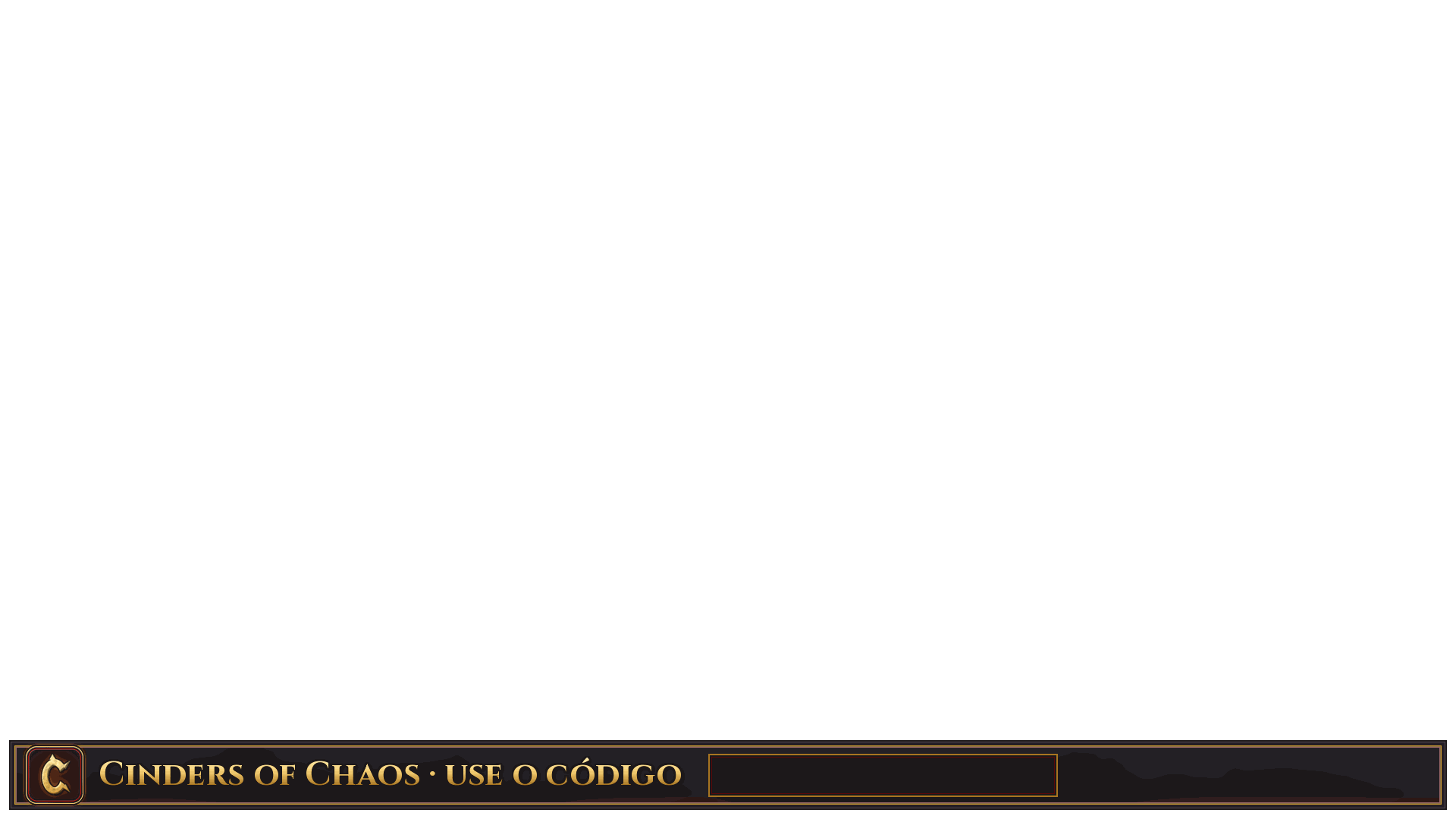
- streamer/overlays/bottom-bar.en.png (10 KB)
- streamer/overlays/bottom-bar.pt-BR.png (10 KB)
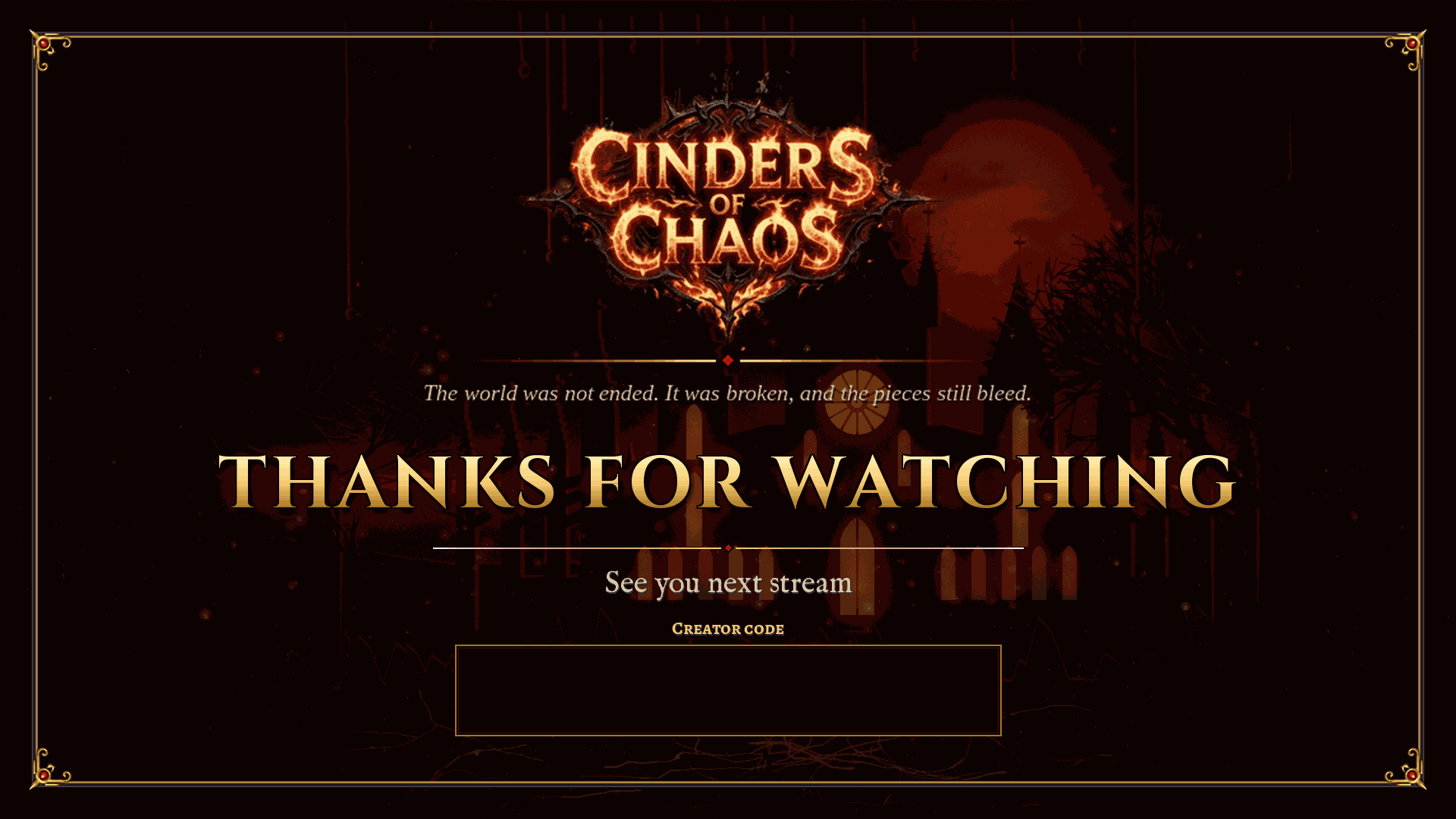
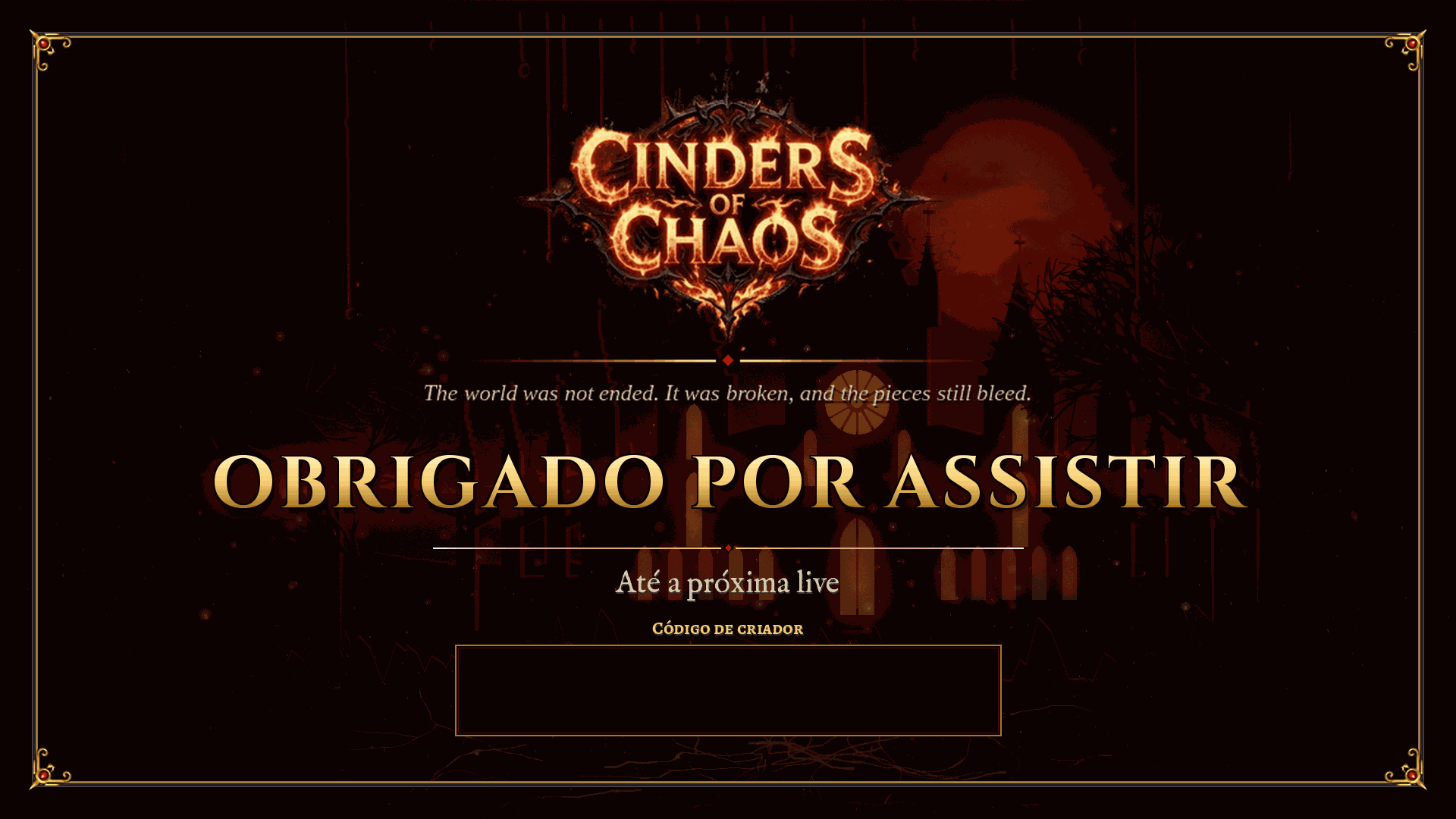
- streamer/overlays/ending.en.png (129 KB)
- streamer/overlays/ending.pt-BR.png (129 KB)
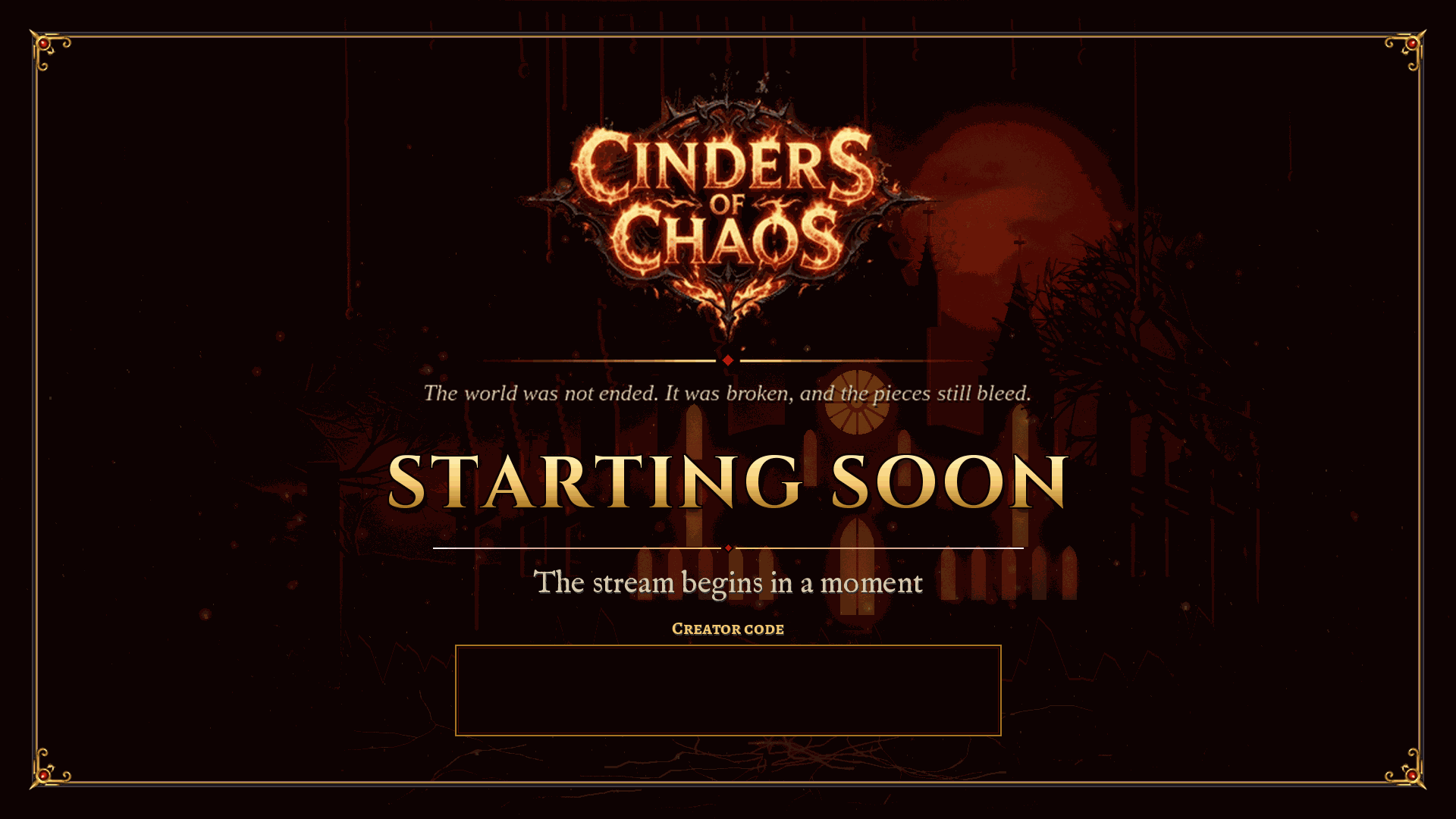
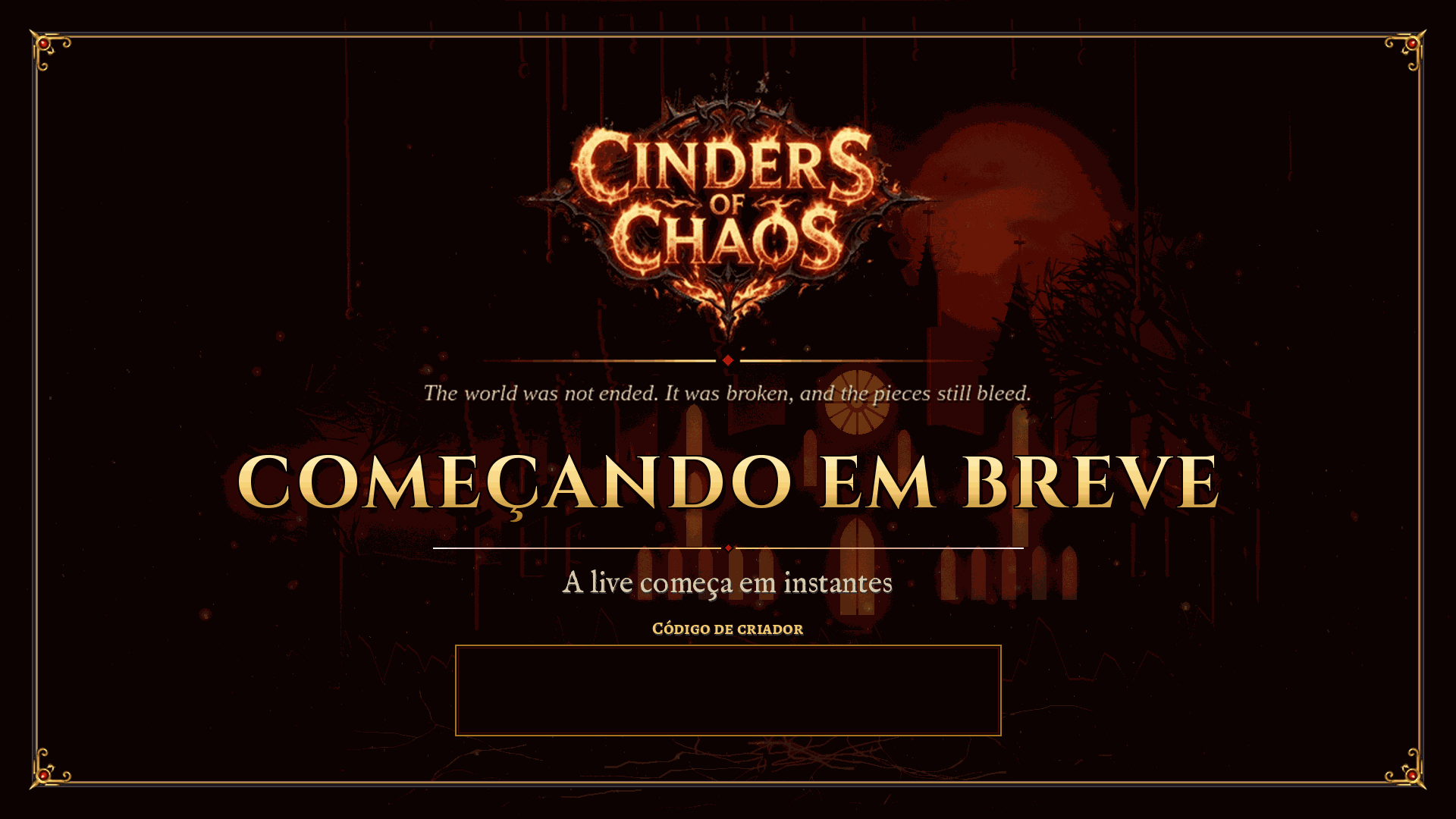
- streamer/overlays/starting-soon.en.png (128 KB)
- streamer/overlays/starting-soon.pt-BR.png (131 KB)
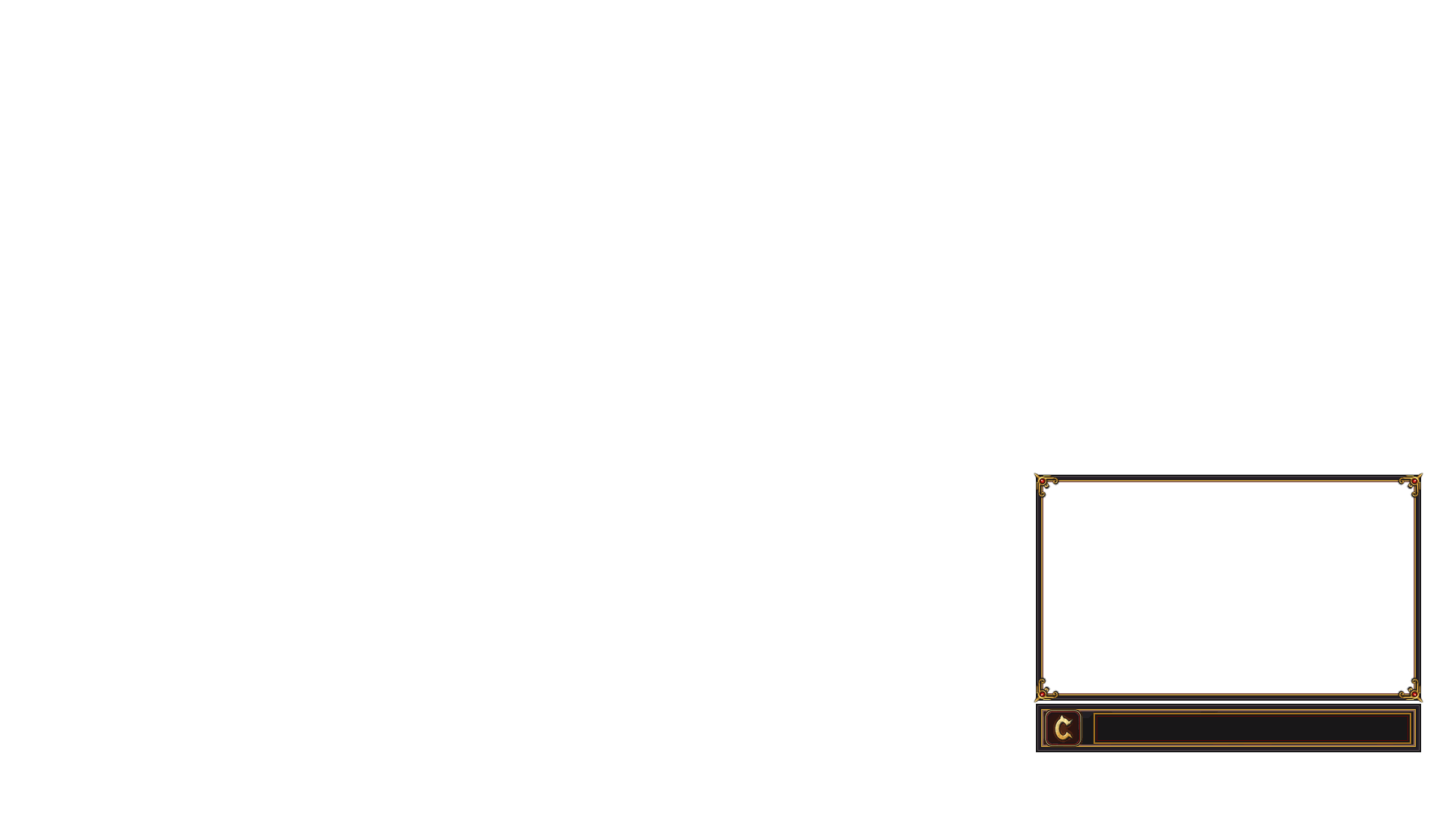
- streamer/overlays/webcam-frame.png (8 KB)
- streamer/slots.json (1 KB)
Streamer kit
Overlays for OBS, Twitch panels, banners and the Discord icon, all original art. They are in the media kit too. File names end with pt-BR or en for the language.
OBS overlays and scenes
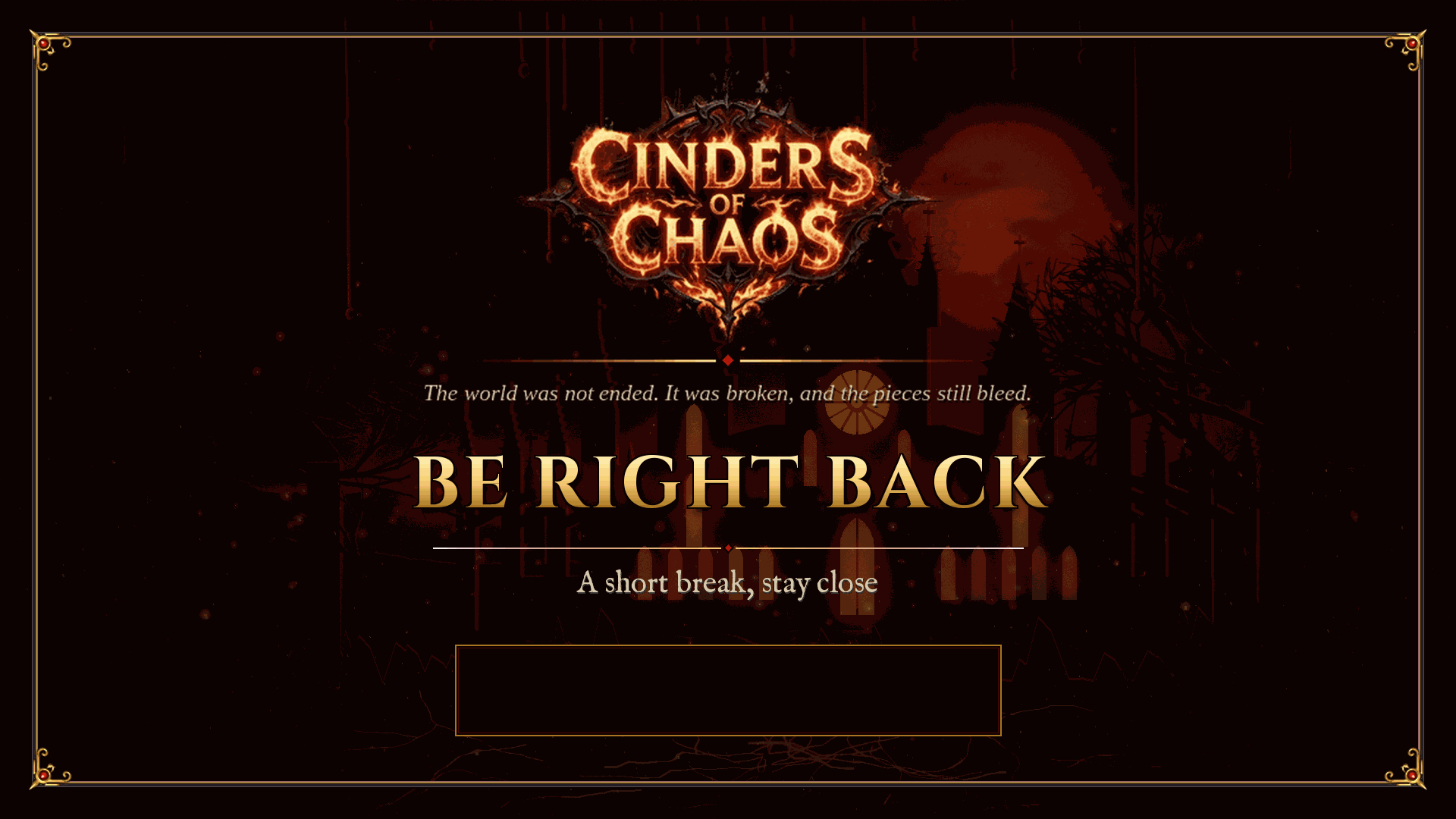
- be-right-back.en.png
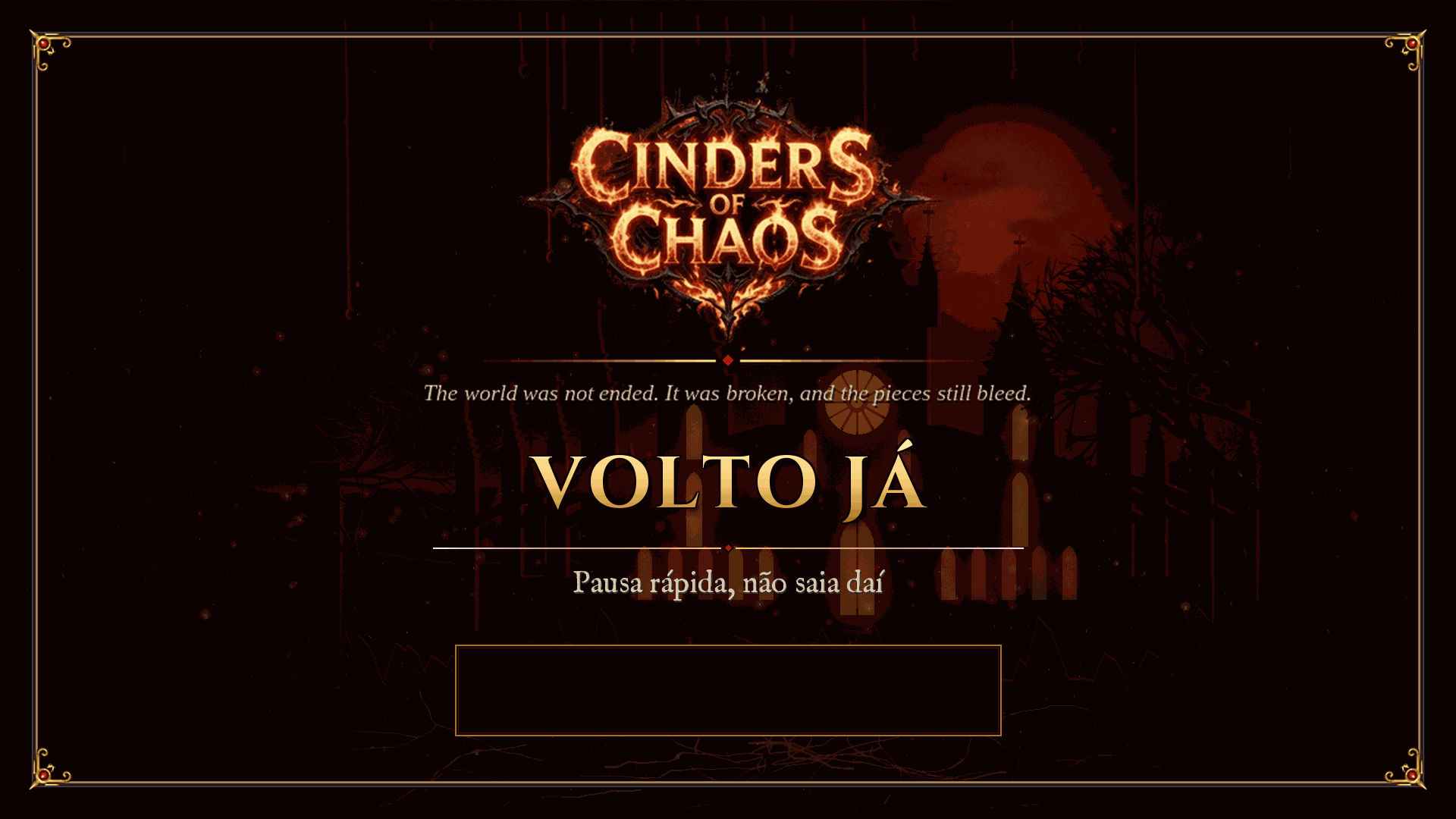
- be-right-back.pt-BR.png
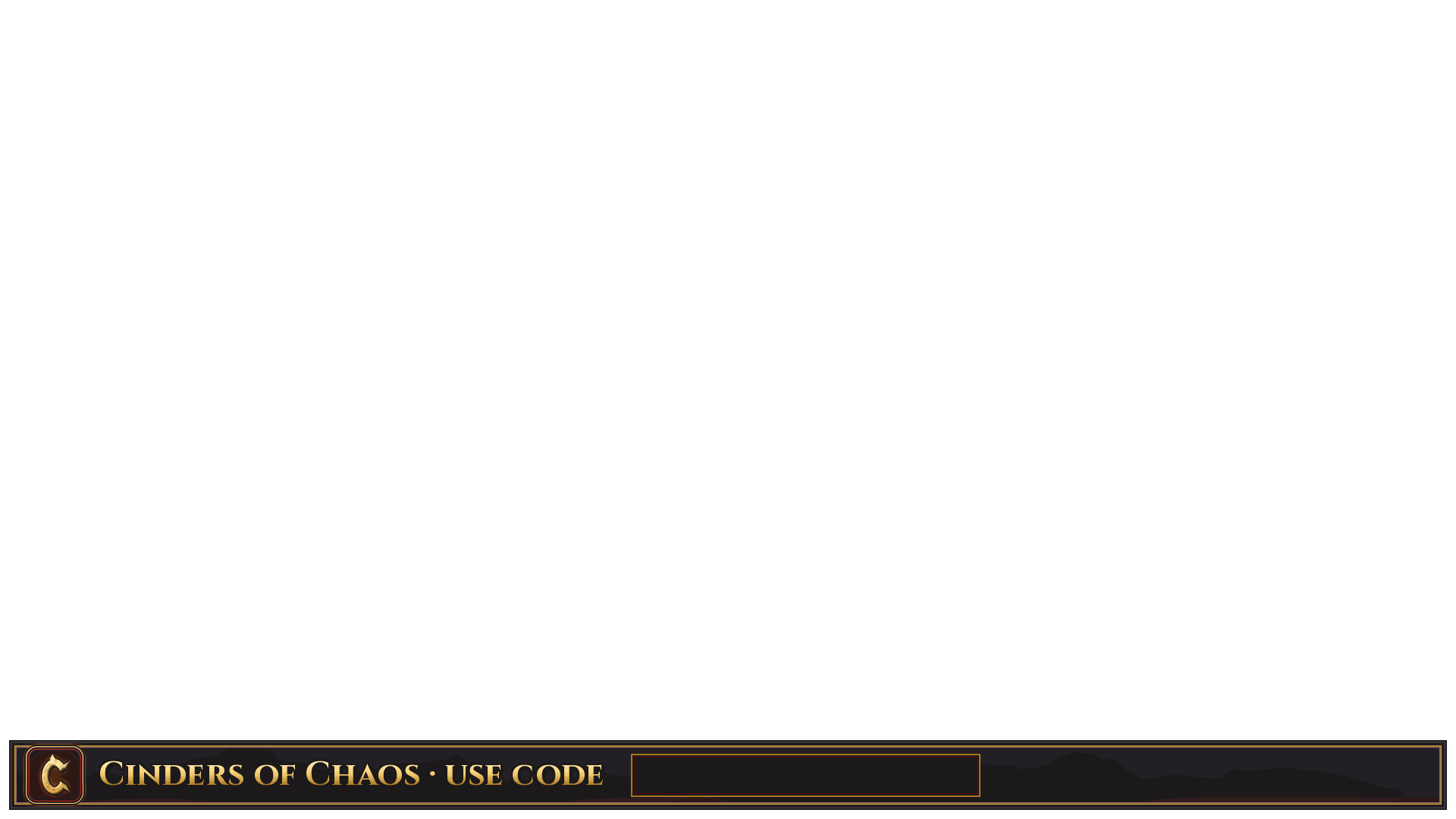
- bottom-bar.en.png
- bottom-bar.pt-BR.png
- ending.en.png
- ending.pt-BR.png
- starting-soon.en.png
- starting-soon.pt-BR.png
- webcam-frame.png
Panels and banners
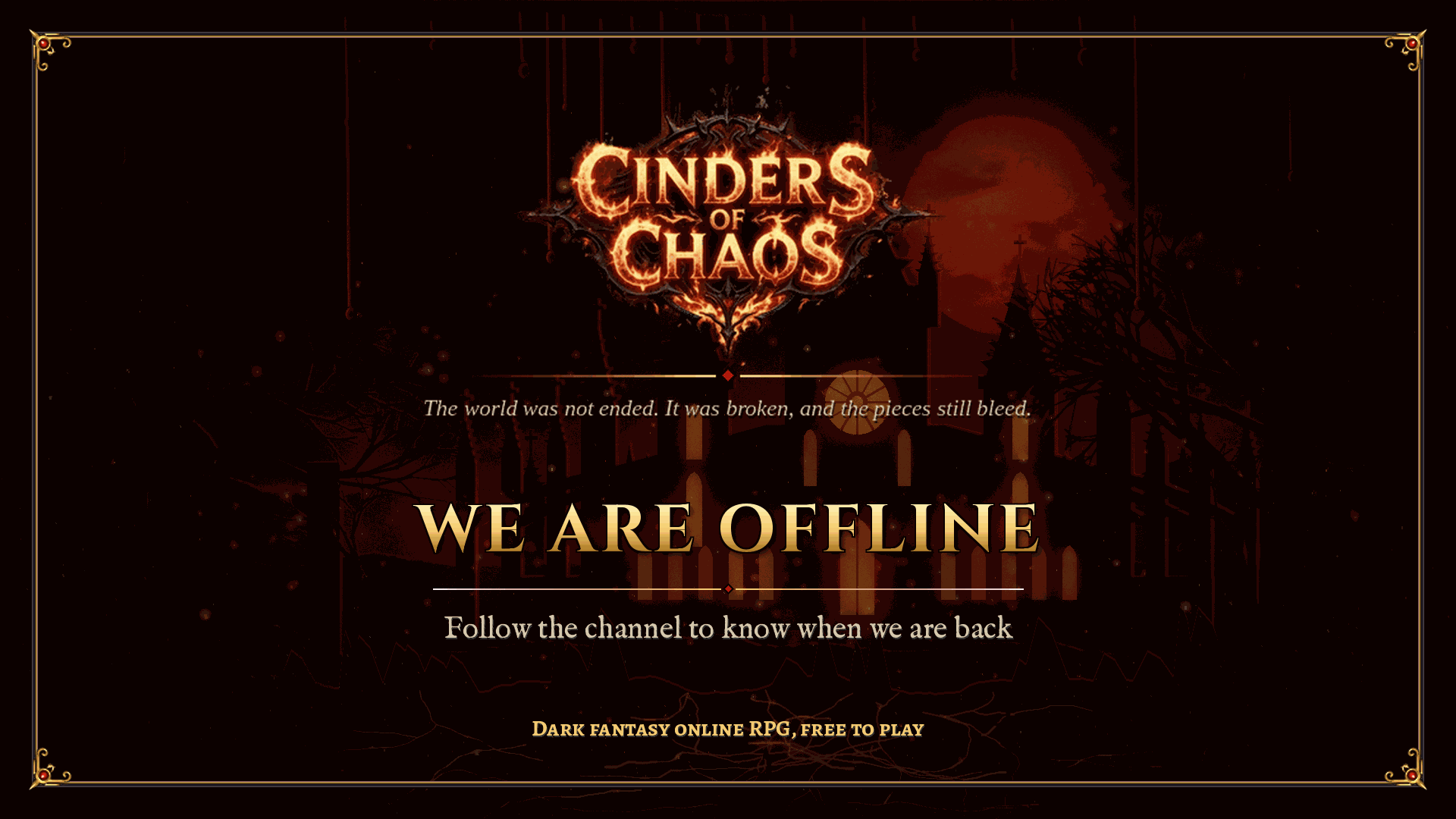
- offline.en.png
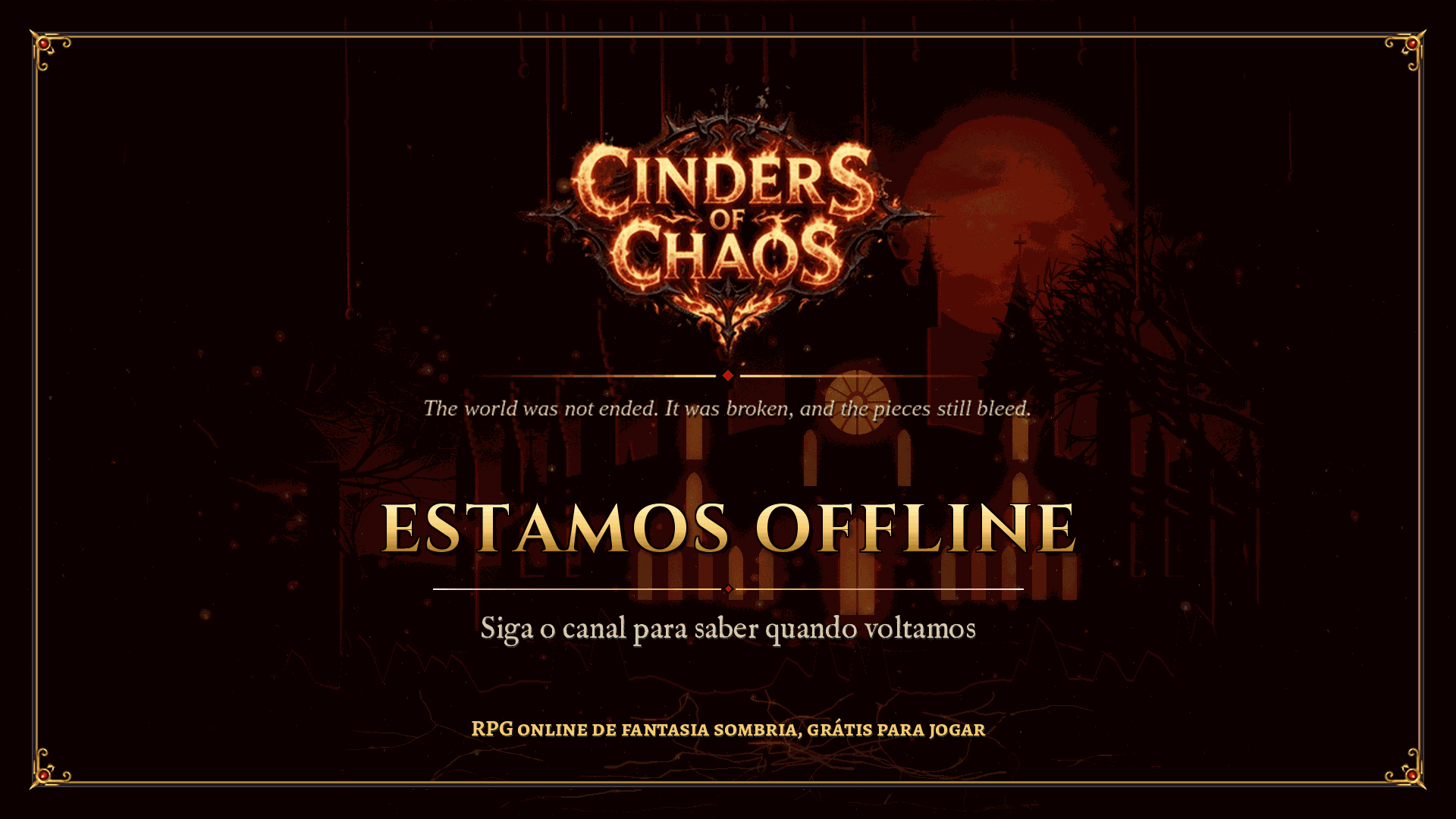
- offline.pt-BR.png
- social-1500x500.en.png
- social-1500x500.pt-BR.png
- twitch-panel-about.en.png
- twitch-panel-code.en.png
- twitch-panel-codigo.pt-BR.png
- twitch-panel-discord.en.png
- twitch-panel-discord.pt-BR.png
- twitch-panel-regras.pt-BR.png
- twitch-panel-rules.en.png
- twitch-panel-sobre.pt-BR.png
- youtube-thumbnail-template-1280x720.png
Discord icon

OBS browser source (shows the server name and your code, no cookies, no requests): plugins/chaos/assets/streamer/obs-overlay.html?code=YOURCODE
Partner guide: Cinders of Chaos
This guide is for people who stream or post videos of the server. It is short: read it all before your first stream.
1. Get the client and the launcher
The game is free. Get the launcher on the Download page of the site, for Windows and Linux. It installs the client and keeps it up to date.
- Open the Download page and get the launcher.
- Create an account and a character on the site.
- Open the launcher, let it update and log in with your account.
The beta of 31 Oct and 7 Nov is open, with no key. You may stream the beta like anyone else.
2. How to apply
The criteria are on the Creator Program page of the site:
- Streams or videos of the game at least 4 hours a week.
- At least 10 average live viewers or 500 followers.
- No account trading and no RMT, which is real money for accounts, items or coins.
- Say clearly that the game is free and that donating is voluntary.
Log in, fill in the form on that page and wait. The staff checks the channel and answers on the server Discord or through the character. If approved, it creates your code.
3. Creator code and the launch window
Whoever uses your code when donating pays nothing extra: their donation and coins stay the same.
- For 30 days, 10% of the coins of each of their donations go to you, in game, as Chaos Coins.
- The payment comes 14 days after the donation, so refunds and chargebacks come first.
- Caps: 500 coins per donation and 5000 a month.
- Launch window: for donations credited in the first 30 days after the launch, from 20 Nov 2026, 15:00 to 20 Dec 2026, 15:00, your share is 15% instead of 10%.
- Your own account, the same connection and the same payer do not count.
The numbers come from the server configuration and may change. What the Creator Program page shows is what counts.
4. What may and may not be shown on stream
You may:
- Play, show your character, the passive tree, the classes, the beta and the public features of the game.
- Use the art and the logo of the kit to promote the server.
- Talk about the code, the Discord and the site.
You may not:
- Show live, teach or use bugs and exploits. Report them to the staff. A bug you report yourself is never punished.
- Sell, buy or trade accounts, items, gold or coins for real money, which is RMT.
- Name other servers, games or clients in the server stream, or send your audience to them.
- Show a password, an e-mail, payment data or the staff panel.
- Promise a game advantage for a donation. The store never sells a combat advantage.
5. Brand rules
- Do not alter the logo: no recolouring, stretching, cropping, rotating, shadows or redrawing.
- Use the kit files as they are. Leave free space around the logo.
- Do not sell the art and do not use it for another game.
- Your channel code goes in the blank slot of the screens and the bar. The rest of the art stays as it is.
6. Art kit for your stream
The media kit has a streamer folder with everything ready. The files are also on the Creator Program page, one by one.
- overlays: camera frame, bottom bar with a slot for your code, and the Starting soon, Be right back and Ending screens, all 1920 by 1080. The frame and the bar are transparent: put them above the game as images.
- banners: four Twitch panels of 320 by 100, which are About the game, Creator code, Discord and Rules, a social banner of 1500 by 500, the offline screen and a thumbnail template of 1280 by 720.
- discord: the server icon at 512 by 512. Discord crops icons to a circle, and the art already sits inside the circle.
- slots.json: where the blank slots are, so you can put an OBS text source with your code there.
File names carry the language: pt-BR or en.
7. OBS overlay
- In OBS, add a Browser source.
- URL: SITE/plugins/chaos/assets/streamer/obs-overlay.html?code=YOURCODE and replace SITE with the site address and YOURCODE with your code. Add &lang=pt-BR for Portuguese text.
- Size 640 by 120. The background is transparent.
The page shows plain text only: the server name and your code. It makes no requests to other sites.
8. Title, tags and Discord
Suggested titles. Replace YOURCODE with your code:
- Cinders of Chaos | free dark fantasy RPG | use code YOURCODE
- Cinders of Chaos | first time on the server | use code YOURCODE
- Cinders of Chaos | open beta, come play with me
Suggested tags: RPG, MMORPG, Dark Fantasy, Free to Play, English, Indie. Use the MMORPG category that the platform offers.
Server Discord link: the link will be posted on this page. Put it in the channel panel and in the !discord command.
Ready chat commands are in streamer/chat/chat-commands.txt, inside the kit.
9. Checklist for the first stream
- ☐ You are approved and have your code.
- ☐ Launcher installed, client updated, login tested.
- ☐ OBS scenes: starting soon, game with camera frame and bar, be right back, ending.
- ☐ Code typed in the blank slot of the bar, or the browser overlay with ?code=.
- ☐ Commands !server, !code and !discord created in the chat bot.
- ☐ Stream title with the code, and the channel panels About, Code, Discord and Rules.
- ☐ No password, e-mail or staff panel on screen.
- ☐ You know what to do if you find a bug: stop showing it and tell the staff.
- ☐ You said on stream that the game is free and that donating is voluntary.
Still to be decided
- The creator disclosure rules still need the legal review of the Donation Terms.
Last reviewed: 2026-10-29.